
04 / COMIC TO VIDEO
Panels that move.
Turn a finished comic into a short animated video - perfect for TikTok, Reels, or sharing with friends.
Works on web and iOS. No credit card.
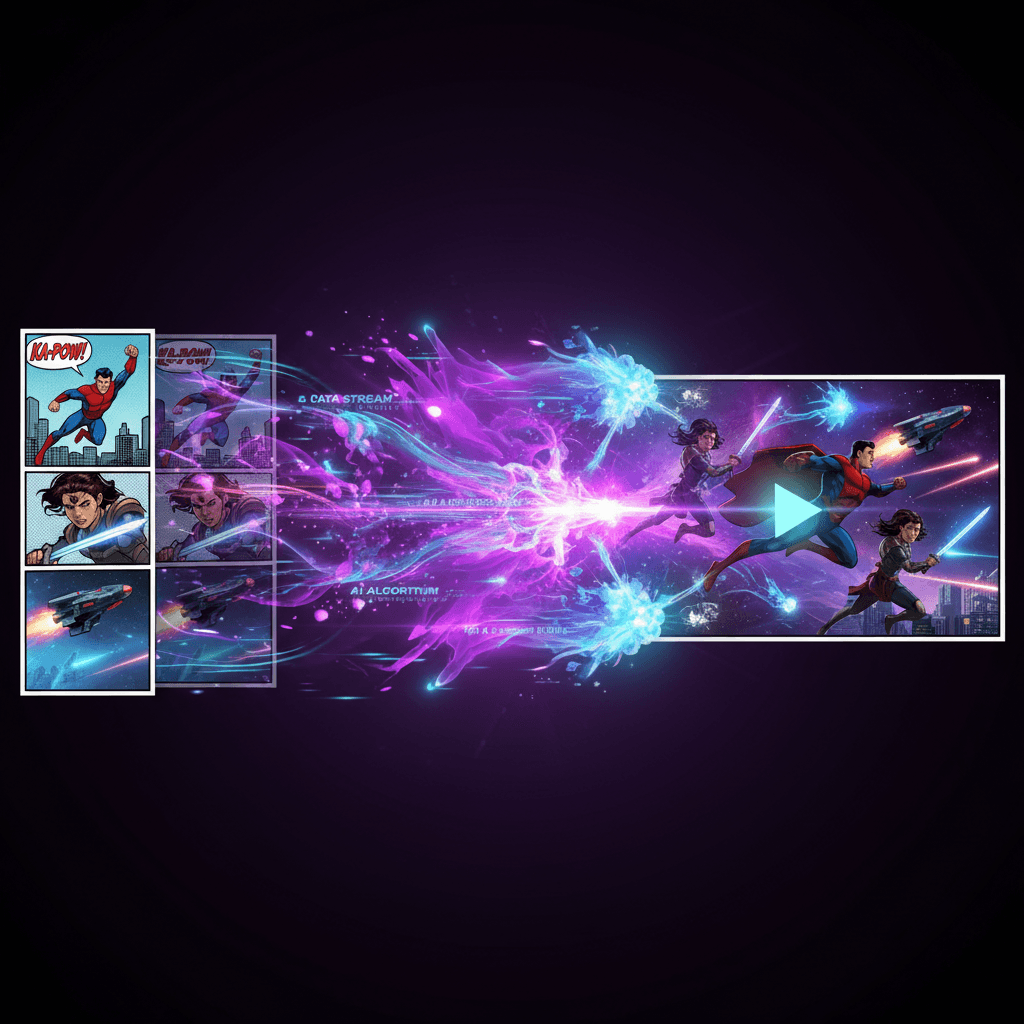
Output sample
Comic to Video
EXAMPLE OUTPUT / ANIMATED COMIC CUT SIZED FOR SHORT-FORM VIDEO
THE PROCESS
From idea to finished piece in 3 steps.
Import the comic
Start with any finished comic page or panel sequence already made in the studio. The system reads pacing from the visual structure you have.
Pick a motion style
Choose how the panels should move, whether you want voiceover, and how fast the final cut should play on social.
Render and share
Export a polished video sized for vertical or horizontal screens and publish it wherever the story is going next.
WHY IT MATTERS
Built for creators, not tinkerers.
Short-form ready. Cut comics into 3 to 20 second clips built for trailers, teasers, and feed-native social posts.
Motion presets save time. Apply camera moves and pacing quickly instead of keyframing every zoom and transition from scratch.
Voiceover support. Layer narration or character reads on top when the story needs another dimension.
Vertical and horizontal formats. Render for Reels, Shorts, story posts, or wider share-outs without rebuilding the scene.
READY WHEN YOU ARE
Pick your canvas.
Start with one tool, then move across the studio as the project grows.