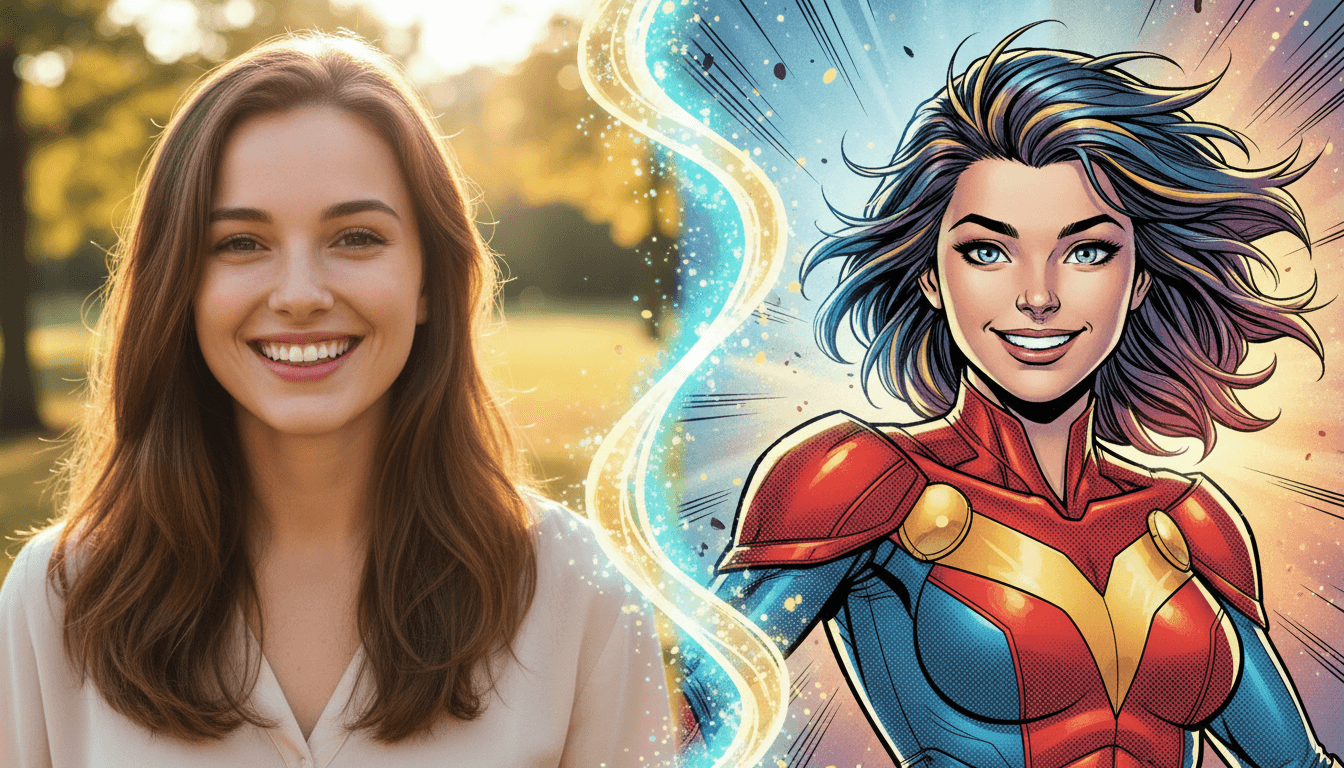
Your camera roll is full of amazing moments — family gatherings, travel adventures, pet antics, stunning landscapes. But what if those photos could become something more? What if that selfie could become a manga character, that vacation sunset could transform into a Ghibli painting, or that group photo could become a comic book cover?
With AI-powered photo-to-comic conversion, all of this is possible — and it takes just seconds. No Photoshop skills, no expensive software, no artistic training. Just your photos and the art style you love.
How Photo-to-Comic AI Works
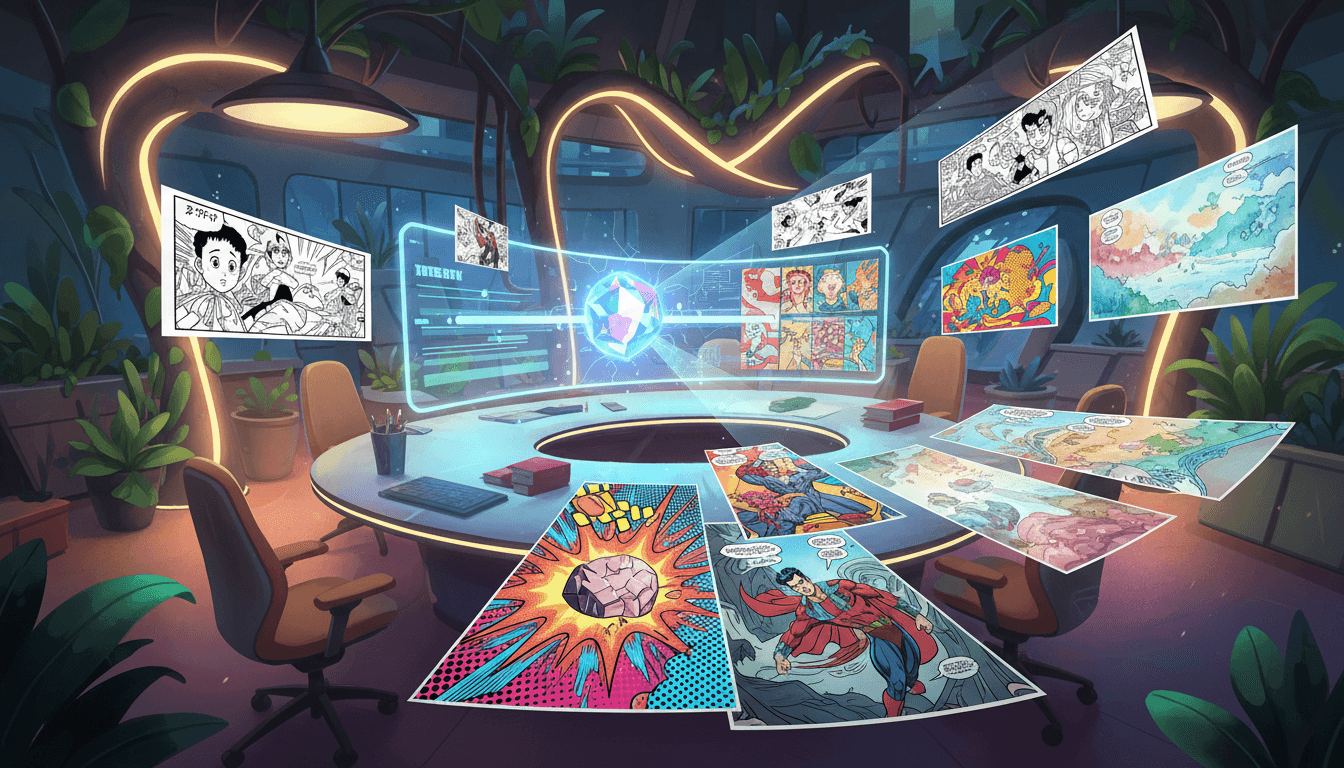
Photo-to-comic AI uses advanced neural networks trained on millions of images across different art styles. When you upload a photo, the AI analyzes the composition, identifies subjects (people, objects, backgrounds), understands depth and lighting, and then redraws the entire scene in your chosen comic style.
The technology preserves what makes your photo unique — the pose, expression, setting — while completely transforming the artistic style. A photo of your dog doesn't just get a filter slapped on it; the AI genuinely recreates it as if a manga artist, pop artist, or Ghibli animator drew it from scratch.
This is fundamentally different from simple photo filters. Filters adjust colors and contrast. AI photo-to-comic conversion reimagines the entire image in a new artistic medium.
3 Simple Steps to Convert Any Photo
Step 1: Upload Your Photo
Choose any photo from your camera roll. Portraits, landscapes, group shots, pets, food, architecture — anything works. The AI handles all subject types. For best results, use well-lit photos with clear subjects, but even casual snapshots produce great results.
Step 2: Choose Your Art Style
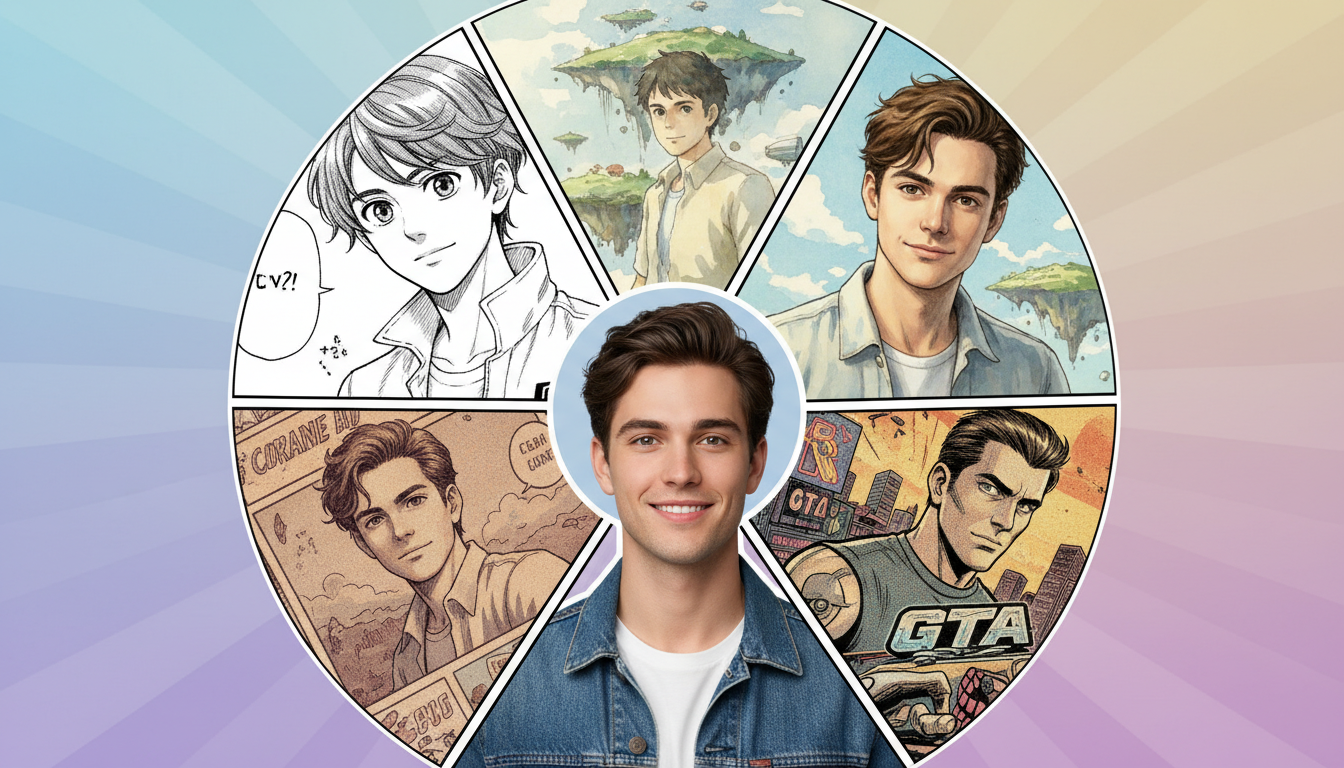
This is the fun part. Pick from over 20 distinct comic art styles. Each one transforms your photo in a completely different way:
- Manga — Big expressive eyes, dynamic lines, Japanese comic aesthetic
- Pop Art — Bold colors, halftone dots, Andy Warhol vibes
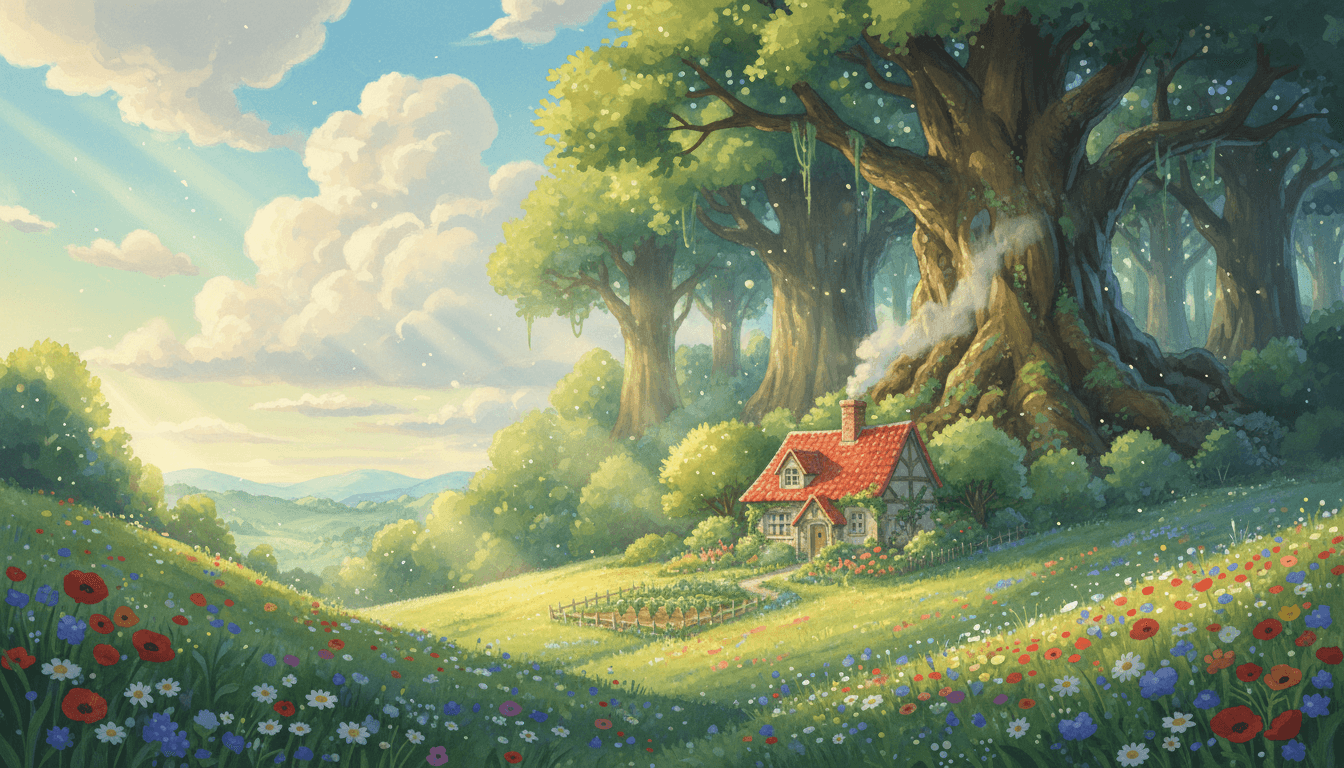
- Studio Ghibli — Soft watercolors, dreamy atmosphere, Miyazaki magic
- GTA — Grand Theft Auto loading screen style, bold and stylized
- Spider-Verse — Edgy modern animation with halftone texture
- Caricature — Exaggerated features, humorous and playful
Step 3: Generate and Save
Tap generate and watch the transformation happen in seconds. If you love the result, save it to your library. Want to try a different style? Just pick another one — you can create multiple versions of the same photo in different styles.
Best Comic Styles for Different Photo Types
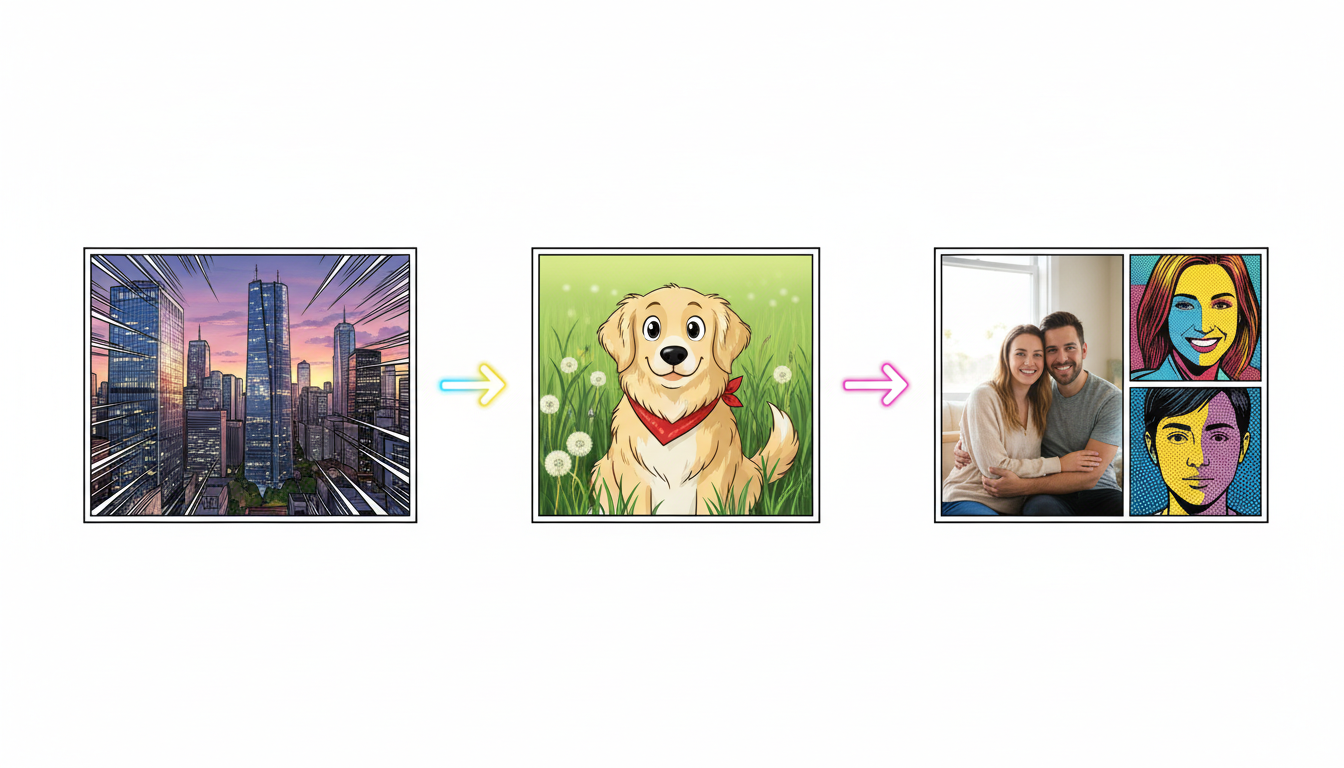
Not every style works equally well for every type of photo. Here's what works best for each scenario:
Portraits and Selfies
Manga and Ghibli are the top picks for portraits. Manga gives you dramatic, expressive character art. Ghibli creates soft, warm, and painterly portraits. Caricature is perfect if you want a fun, exaggerated version. GTA style creates bold, stylized portraits that look like video game loading screens.
Landscapes and Travel Photos
Studio Ghibli is the undisputed champion for landscapes — every scenic photo looks like a frame from a Miyazaki film. Watercolor also works beautifully for nature scenes. For urban landscapes, try Neon Noir for a cyberpunk atmosphere.
Pets and Animals
Chibi turns pets into adorable cartoon characters. Pixar 3D makes them look like animated movie stars. Storybook creates charming illustrations perfect for children's stories about your pet.
Group Photos and Couples
Pop Art creates bold, eye-catching group portraits. Vintage Comic gives a nostalgic, classic comic book feel. Webtoon is great for couples who love Korean comic aesthetics.
Tips for Better Photo-to-Comic Results
- Good lighting matters. Photos taken in natural daylight or well-lit environments produce the best comic conversions. The AI needs to see detail to transform it accurately.
- Clear subjects work best. Photos where the main subject is easily distinguishable from the background get the strongest results. Close-up portraits tend to produce more detailed comic art than wide shots.
- Try multiple styles. The same photo can look completely different across styles. A portrait that's decent in manga might be stunning in Ghibli. Experiment freely.
- High-resolution photos aren't necessary. The AI generates new art based on your photo's content, not its pixel count. Even a screenshot or compressed image can produce high-quality comic art.
- Expressions translate well. Smiles, laughs, surprised looks, and dramatic poses create more dynamic and interesting comic art. Action shots and candid moments often produce better results than posed studio photos.
Turn Your Photos Into Comics Now
Upload any photo and see it transformed into 20+ comic styles instantly.
Try Photo to Comic Free →Creative Ways to Use Photo Comics
Beyond just making cool art, photo-to-comic conversion opens up creative possibilities:
- Personalized gifts — Turn couple photos into comic book covers for anniversaries, or transform family portraits into manga-style art prints.
- Social media content — Comic-style profile pictures and posts stand out dramatically in feeds. The Ghibli AI trend showed how viral comic-style photos can go.
- Comic stories from real life — Transform a series of vacation photos into a travel comic, or turn event photos into a visual story.
- Professional branding — Create unique comic-style portraits for team pages, avatars, and marketing materials.
- Pet comics — Build entire comic strips starring your pet by converting different photos of them into comic characters.
Frequently Asked Questions
What types of photos work best for comic conversion?
Any photo works, but portraits with clear subjects, good lighting, and interesting expressions produce the best results. Landscapes work beautifully with styles like Ghibli and Watercolor. Even casual phone photos convert well.
Can I convert the same photo into multiple styles?
Absolutely. Many users convert the same photo into several styles to compare results and find their favorite. There's no limit to how many style variations you can create from a single photo.
Is the conversion instant?
Near-instant. Most photo-to-comic conversions complete in 5-15 seconds. The AI generates entirely new artwork based on your photo, so it's doing real-time art creation — not just applying a filter.
Can I use converted photos commercially?
Photos you convert with iCartoon are yours to use however you like, including for commercial purposes like social media, printed products, or digital content.
Photo-to-comic conversion is one of the most satisfying ways to experience AI art. There's something magical about seeing your everyday photos reimagined as professional comic art. Whether you're creating a gift, building your social media presence, or just having fun with your camera roll — your photos deserve to be comics. Try it now and see for yourself.