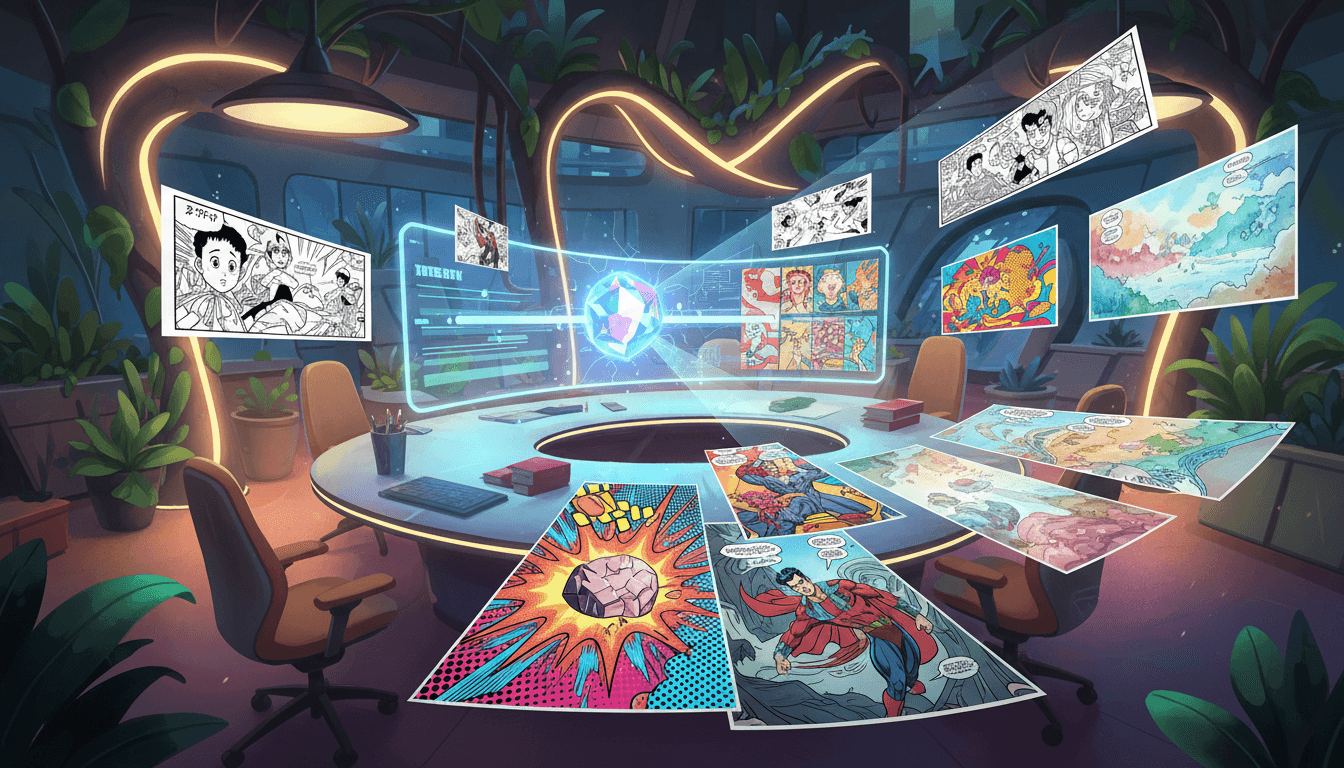
Have you ever dreamed of creating your own comic book but felt held back because you can't draw? You're not alone. Millions of people have incredible stories in their heads but lack the traditional art skills to bring them to life. The good news is that in 2026, you absolutely do not need drawing skills to create professional-quality comics.
Thanks to advances in AI image generation, anyone with a story idea can now produce stunning comic books that look like they were made by a professional artist. Whether you want to create a manga series, a superhero saga, or a funny slice-of-life strip, there's a method that works for you — no pencils, brushes, or years of art school required.
Why You Don't Need Drawing Skills Anymore
The comic creation landscape has changed dramatically. The global comic book market is valued at over $18 billion and growing at 11% annually — and AI tools are driving a massive part of that growth. AI art generators can now produce illustrations in dozens of distinct styles — from manga and pop art to Studio Ghibli watercolors and Spider-Verse animation. These tools understand composition, character consistency, panel layouts, and visual storytelling conventions.
What used to require months of work and $50-300 per page for a professional artist — character design, inking, coloring, lettering — can now happen in minutes. And the results are genuinely impressive. Modern AI comic generators don't just create random images; they understand narrative flow, maintain character appearance across panels, and apply authentic art-style techniques.
5 Ways to Create Comics Without Drawing
1. AI Comic Generators (Text-to-Comic)
The most straightforward approach: type your story and let AI create the visuals. You describe your characters, setting, and plot — the AI handles everything else. Tools like iCartoon's AI Comic Creator let you generate multi-page comic books from a simple text description. You choose the art style, number of pages, and panel layout. The AI creates consistent characters and scenes throughout.
This method is perfect for people with strong story ideas who want complete creative control over the narrative without worrying about the art.
2. Photo-to-Comic Conversion
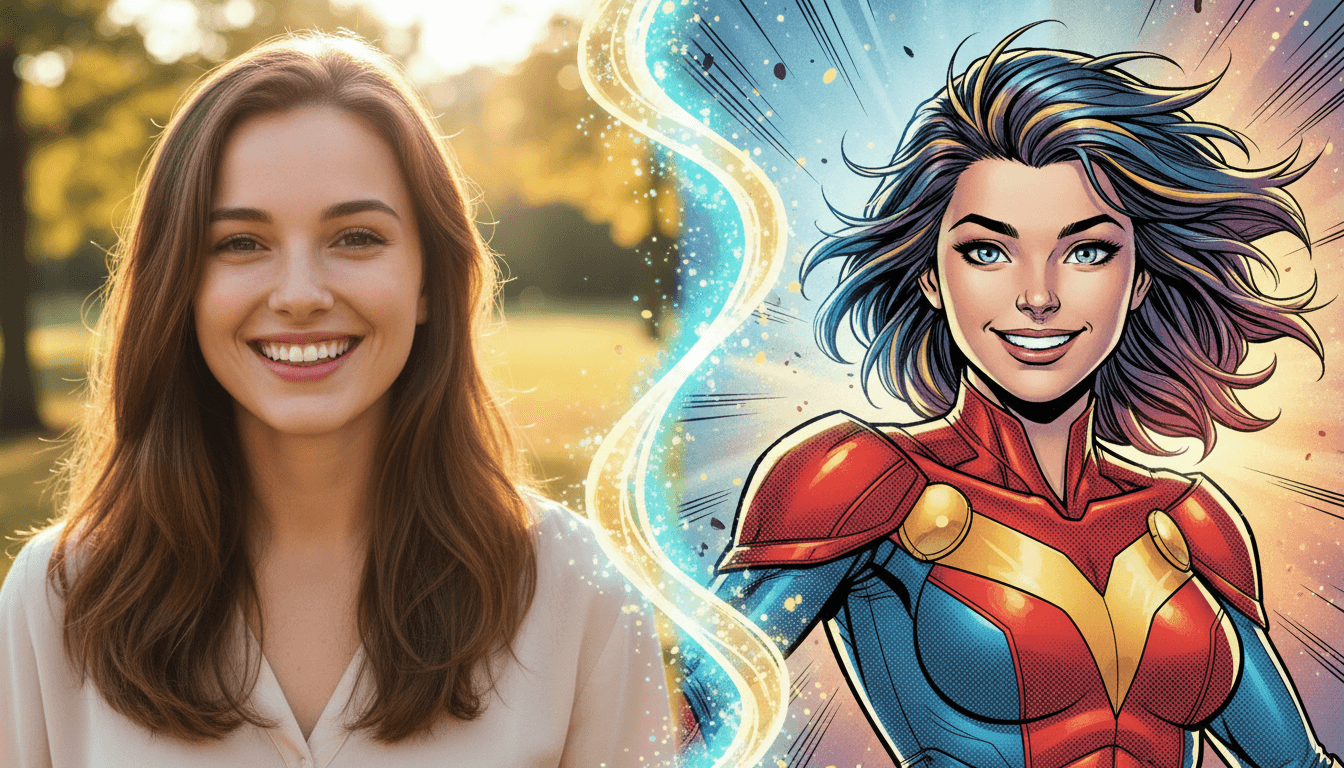
Already have photos you love? Turn them into comic art instantly. AI can transform any photograph — selfies, landscapes, pets, group shots — into stunning comic-style illustrations. Choose from styles like manga, pop art, vintage comic, or even GTA-style art.
This is the fastest way to create comics because you already have the visual foundation. The AI preserves the composition and subjects while completely reimagining the artistic style. Many creators use this to turn vacation photos into travel comics or family portraits into personalized comic gifts.
3. Chat-Based Comic Creation
Want a more collaborative experience? Chat-based comic creation lets you build your comic through conversation. Tell the AI about your story idea, answer a few questions about characters and style preferences, and watch as it creates your comic panel by panel. It's like having an artist friend who draws exactly what you describe.
4. Quick Comic Generator
Need a comic in under a minute? Quick comic generators create single-page comics from a brief prompt. Type something like "a cat detective solving a mystery in Tokyo" and get a complete comic page with panels, dialogue, and professional art. Perfect for social media content, quick gifts, or testing story ideas before committing to a full book.
5. Series and Continuation
Once you've created a comic you love, you can continue the story. AI remembers your characters, art style, and plot threads — letting you build multi-episode series without any artistic skill. Each new chapter maintains the same visual quality and character consistency as the first.
Step-by-Step: Create Your First Comic with iCartoon
Let's walk through the actual process of creating a comic book from scratch using AI. No drawing tablet, no Photoshop, no artistic training needed.
Step 1: Choose Your Story
Start with a simple concept. It can be as brief as "a space explorer discovers a planet made of candy" or as detailed as a full plot outline. The AI works well with both. If you're stuck, try these starting points:
- A day in the life of your pet (with superpowers)
- A retelling of your favorite memory in comic form
- A "what if" scenario — what if dinosaurs lived in modern cities?
- A short mystery or adventure story
Step 2: Pick an Art Style
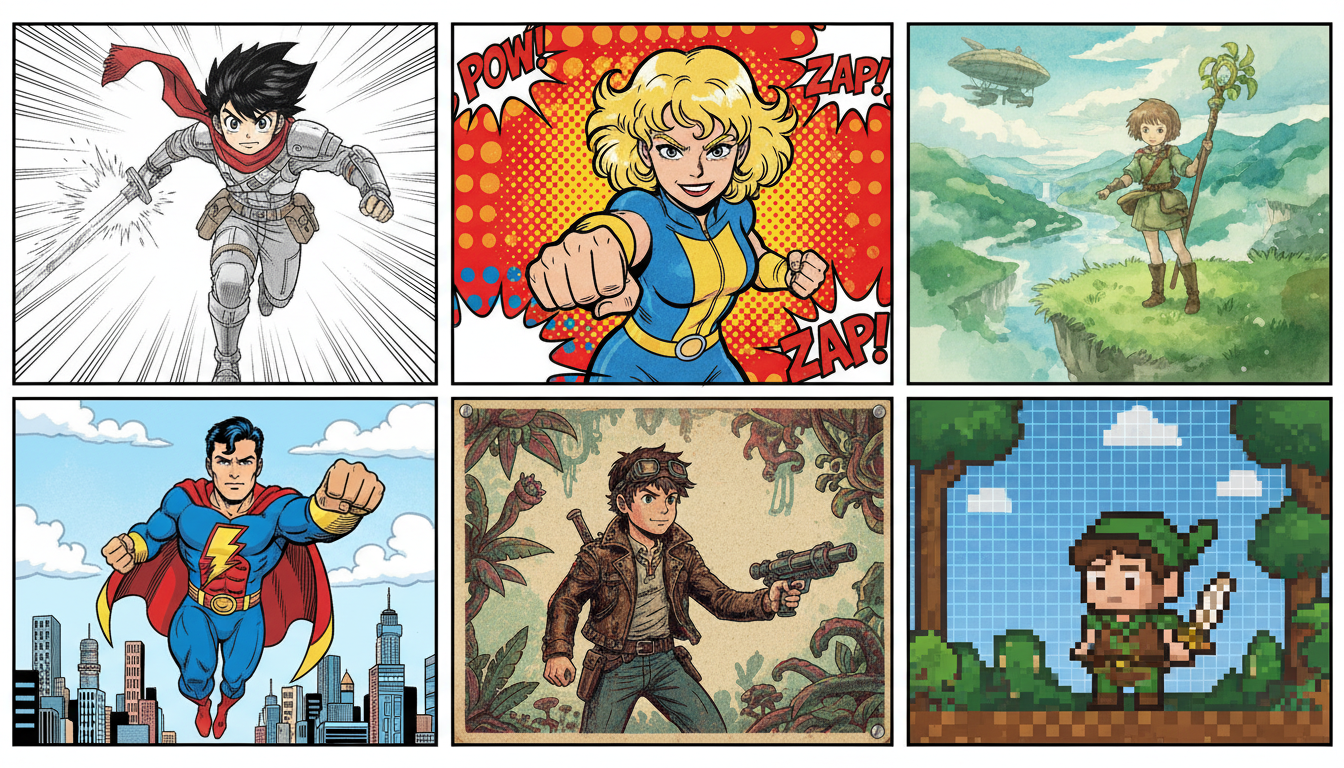
This is where the magic happens. Choose from over 20 distinct art styles, each with its own personality:
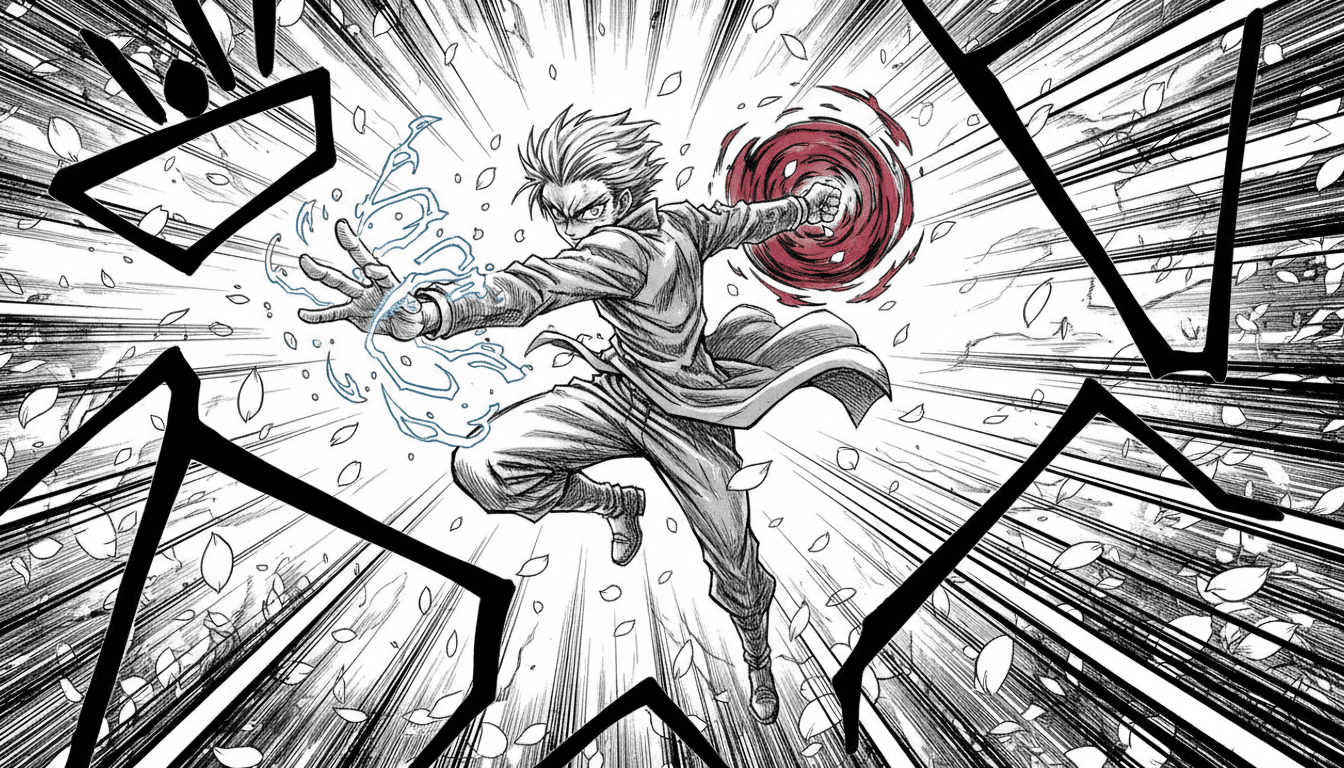
- Manga — Japanese comic style with expressive characters and dynamic action
- Pop Art — Bold colors, halftone dots, and comic-book energy
- Studio Ghibli — Soft watercolors and dreamy landscapes
- Spider-Verse — Edgy, modern animation with halftone effects
- Vintage Comic — Classic golden-age comic book aesthetic
- Chibi — Cute, exaggerated characters perfect for lighthearted stories
Step 3: Generate and Customize
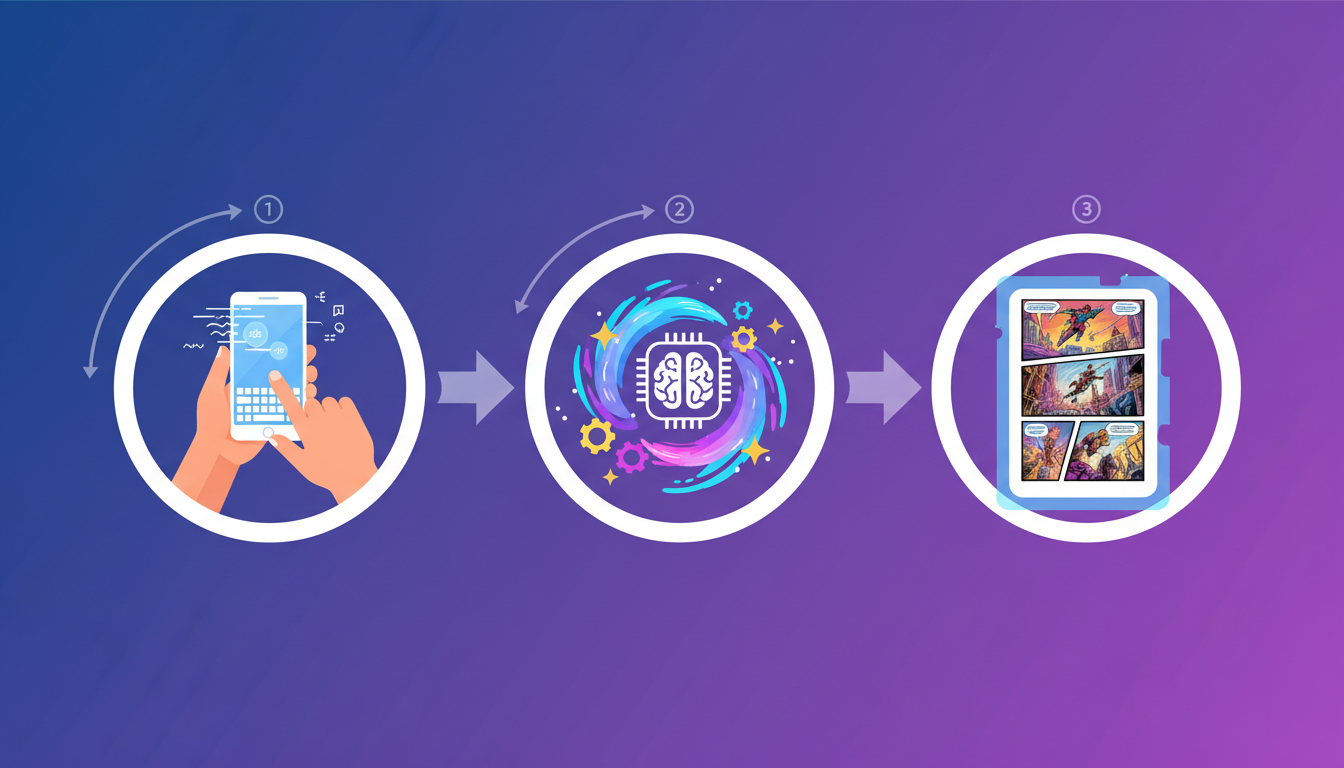
Hit generate and watch your comic come to life. Review each page, regenerate any panels you want to change, and adjust the dialogue. The entire process typically takes 2-5 minutes for a multi-page comic book. Once you're happy with the result, save it to your library and share it with the world.
Choosing the Right Art Style for Your Story
The art style you choose dramatically affects the mood and feel of your comic. Here's a quick guide to matching styles with story types:
- Action and adventure → Manga, Spider-Verse, or classic superhero
- Romance and drama → Ghibli, Watercolor, or Storybook
- Comedy and satire → Simpsons, Caricature, or Chibi
- Sci-fi and cyberpunk → Neon Noir, Pixel Art
- Historical and epic → Renaissance, Vintage Comic
- Kids and family → Pixar 3D, LEGO, Claymation
Ready to Create Your First Comic?
No drawing skills needed. iCartoon turns your ideas into comics in minutes.
Start Creating Free →Pro Tips for Better AI Comics
- Be specific in your descriptions. Instead of "a hero fights a villain," try "a teenage girl with blue hair battles a shadow creature on a rooftop at sunset." More detail gives the AI more to work with.
- Start with shorter comics. Create 4-6 page comics first to learn how the tool works. You can always expand into longer series later.
- Experiment with styles. Try the same story in different art styles — you might discover that your superhero story looks amazing in Retro Anime instead of traditional comic style.
- Use photo-to-comic for characters. Upload a selfie to see how you'd look as a comic character, then build a story around it.
- Focus on story first. The best comics have great stories. Spend more time on your plot and dialogue — the AI handles the art quality.
Frequently Asked Questions
Can I really make a professional-looking comic without any drawing skills?
Yes. AI comic generators produce art in professional styles including manga, pop art, superhero, and more. The output quality is comparable to what a skilled artist would create. Many creators publish and sell AI-generated comics.
How long does it take to create a comic with AI?
A single-page comic can be generated in under a minute. A multi-page comic book (6-12 pages) typically takes 3-5 minutes. Compare that to the weeks or months traditional comic creation requires.
Can I create a comic series with consistent characters?
Yes. Modern AI comic tools maintain character consistency across panels and pages. You can create multi-episode series where your characters look the same throughout the entire story.
Do I own the comics I create with AI?
When you create comics with iCartoon, the generated content is yours to use, share, and publish. You retain full creative ownership of your stories and the generated artwork.
What's the best art style for beginners?
Start with Manga or Pop Art — these styles are versatile, produce consistently great results, and work well with almost any story type. As you get comfortable, explore more specialized styles like Studio Ghibli or Neon Noir.
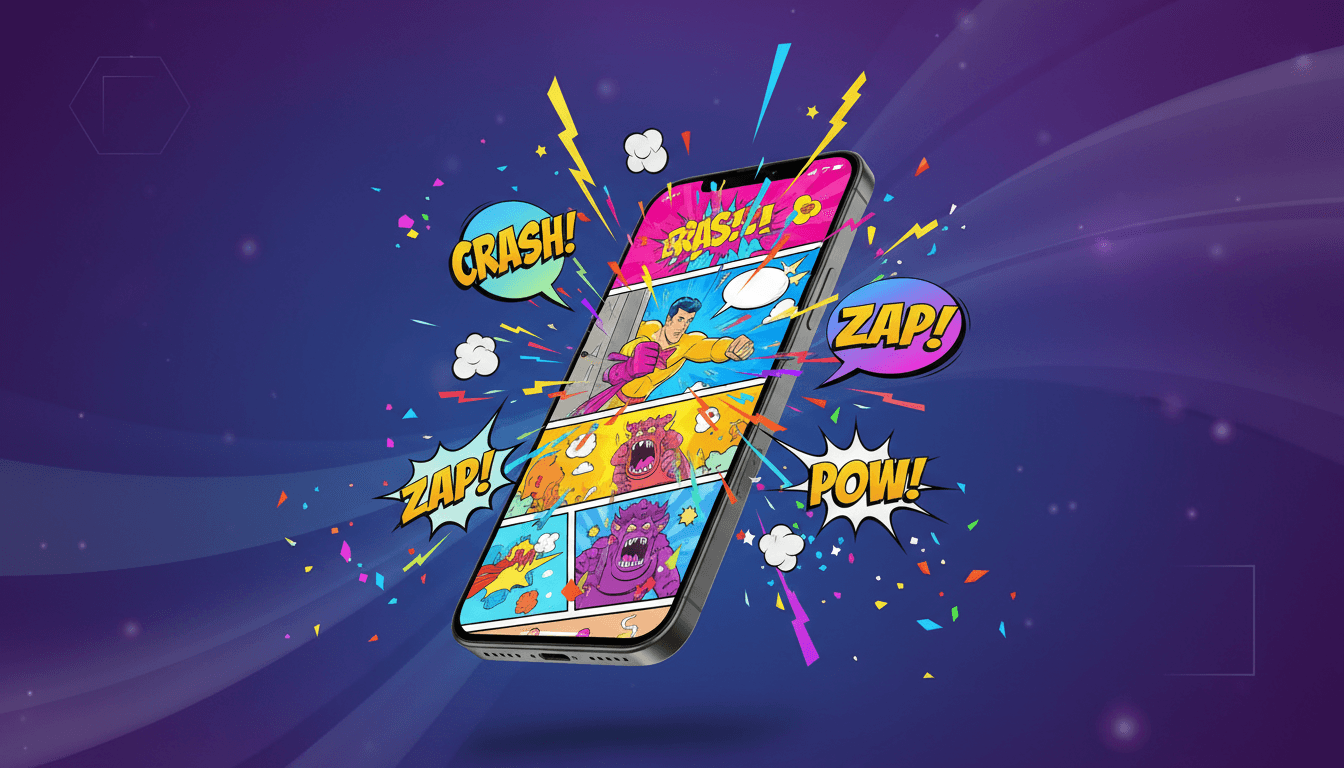
The era of needing drawing skills to create comics is over. With AI-powered tools, your story is all you need. Whether you want to create a personal comic for fun, a gift for someone special, or a series to share with the world — the only limit is your imagination. You can even do it all from your iPhone.